Products
Residential · for homeowners Buyers · before you own it Commercial · for businesses & nonprofits Partners · for pros & agents
Add-ons
Guardian · protection, coming soon Pro · home concierge
Explore
Features Pricing
Resources
Guides Support Getting started Data & privacy About Sign in Start free →

Features · Capture

Notice it once. Eave turns it into a plan.

You spot the running toilet, the cracked caulk, the loose deck board — and then you forget it until it's worse. Capture is the fix: say it, snap it, or type it, and Eave turns the thing you noticed into a scoped, prioritized project.

Three ways in

Speak, snap, or type

Speak

"The master bathroom toilet keeps running — probably a flapper, maybe $150."

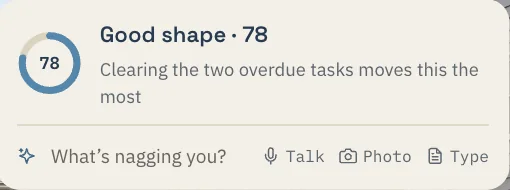
Home · Capture
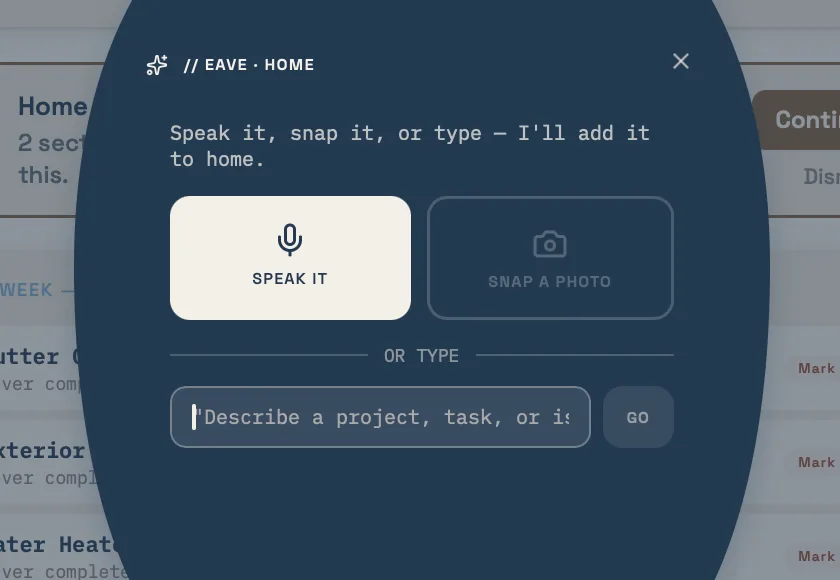
The capture bar on the Home page: What is nagging you? Talk, Photo, Type
Three ways in, always at the top of your Home page.

Eave transcribes it and creates a project in the Master Bath, category Plumbing, with an estimated cost of $150–200.

Snap

A photo of the tub surround.

With Intelligence, Eave reads the photo — cracked caulk detected — and drafts the project at medium priority from the image alone. On the free plan the photo is saved and you pick the room and category.

Type

"Deck boards feel loose near the steps."

Free-form text is parsed into a project flagged High priority for safety, so the risk to someone on the stairs doesn't sit at the bottom of a list.

The parsed result

From a sentence to a structured project

However you capture it, Eave returns the same thing: a clean project card with the fields already filled in. You didn't pick a room from a dropdown or guess at a category — the AI read your description and did it.

Every result card carries a title, room, category, priority, estimated cost, and, where it matters, a note about permits — so you know at a glance whether it's a five-minute fix or something that needs a licensed contractor and a pulled permit before anyone starts.

Nothing saves without your say. You review the card, correct anything that's off, and add it to your queue when it's right.

Running toilet — Master Bath
RoomMaster Bath
CategoryPlumbing
PriorityMedium
Est. cost$150–200
PermitNot required
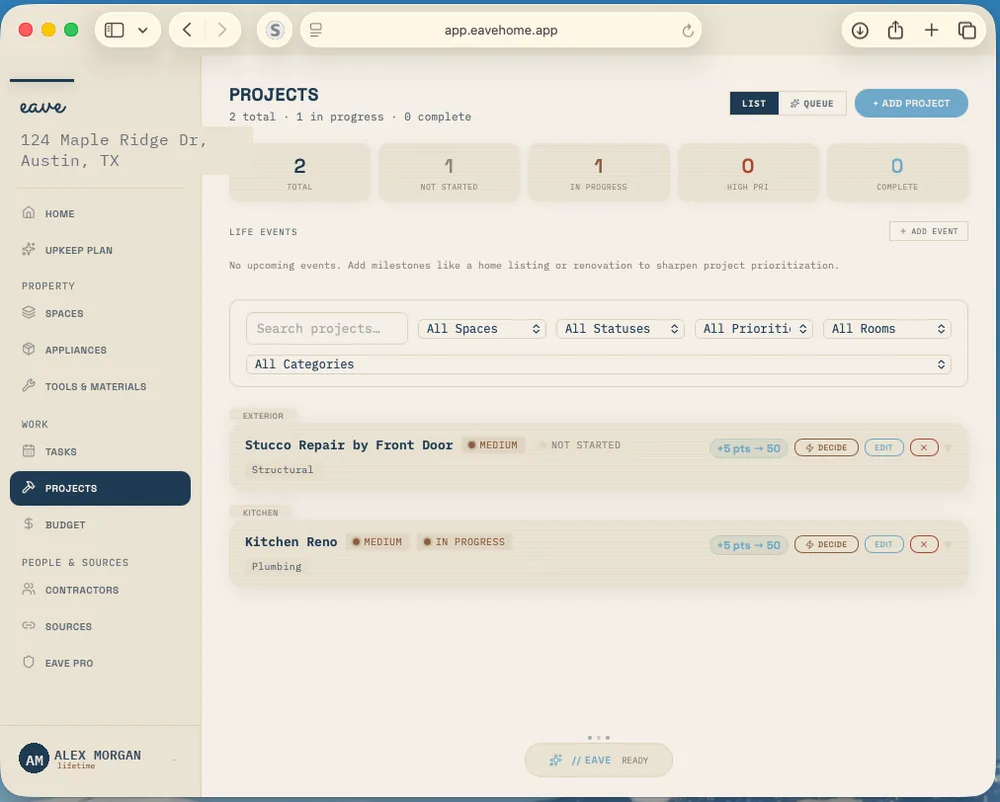
Eave projects dashboard on desktop showing captured home projects with rooms, categories, and priorities

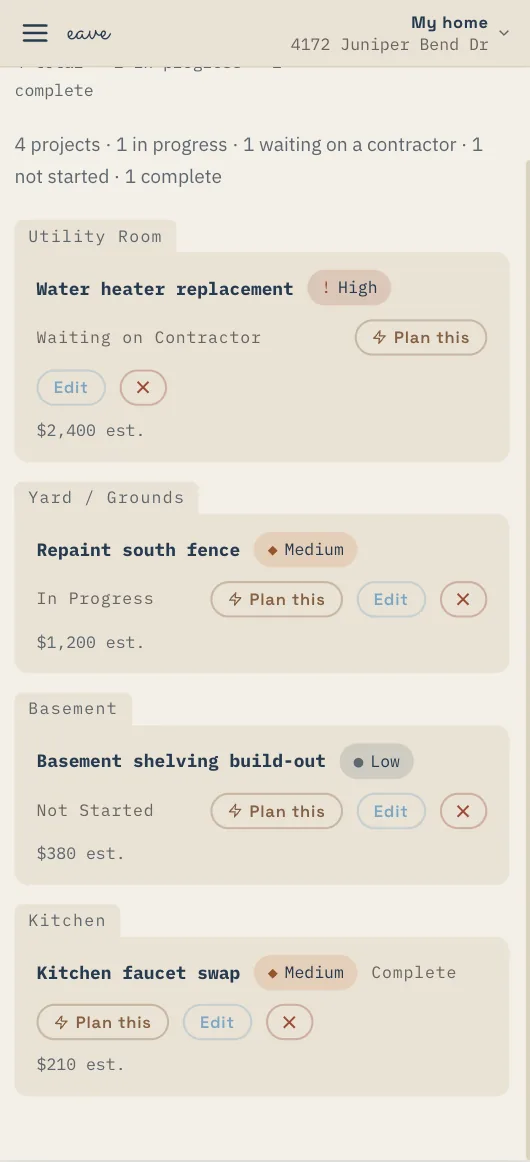
Captured projects land in your projects dashboard, scoped and ready to triage.

Questions

About Capture

How does AI capture work?

You describe what you noticed in plain language — spoken, photographed, or typed — and Eave's AI structures it into a project. It fills in the title, room, category, priority, estimated cost, and, where it matters, a note about permits, then shows you the result to review before anything saves. Nothing is added without your say.

Can I capture by voice?

Yes. Tap the microphone and say it the way you'd tell a friend — for example, "the master bathroom toilet keeps running, probably a flapper, maybe $150." Eave transcribes it and creates a project in the Master Bath under Plumbing with an estimated cost of $150–200, ready for you to confirm.

What does Eave figure out from a photo?

With Eave Intelligence, snap a photo and Eave reads what it sees — for example, detecting cracked caulk and setting a medium priority — and drafts the project fields from the image. On the free plan the photo is saved to the project and you fill in the room and category yourself. As always, you review the result before it's saved.

Keep exploring

What happens after you capture

Capture your first project. Eave is free for one property and runs in any browser — your first capture takes about five seconds.

Start free →