Features · Home Knowledge Base
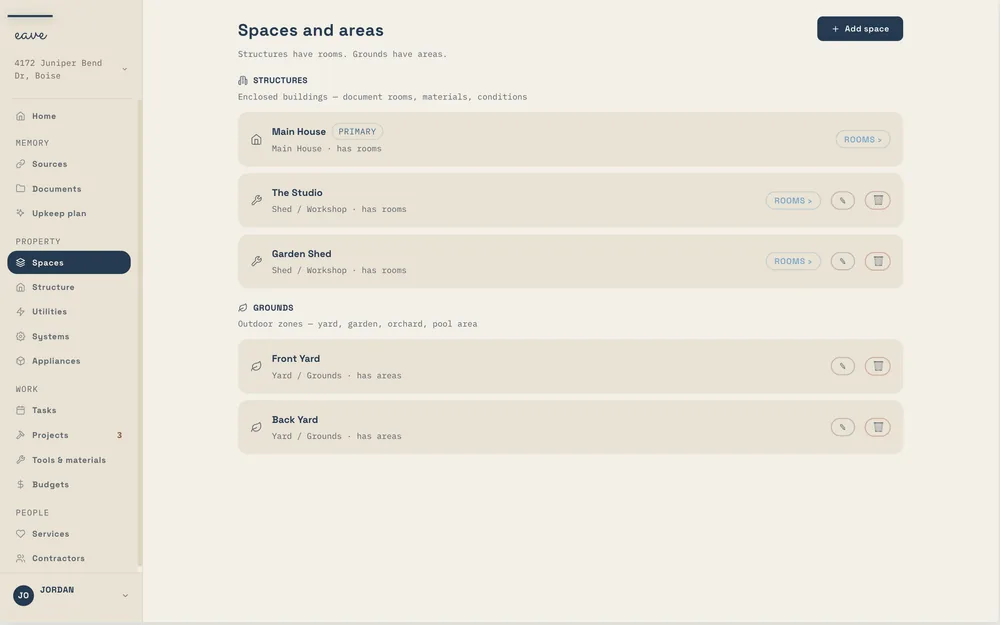
Most people can't answer basic questions about the home they live in — the furnace filter size, when the water heater went in, who fixed the roof, which company to call when the power goes out. The home knowledge base is where those answers live: a complete, searchable record of your spaces, structure, systems, appliances, documents, and the people who look after the place.
Room Inventory
Take one photo of a room and Eave fills in the floors, walls, finishes, and fixtures — each with an AI confidence level you can check. It's the fastest way to turn a house full of details into a record you can search, and every field stays editable before you save.
Later, when a contractor asks what the hallway paint is or how the bathroom floor is finished, the answer is already in your pocket.
Appliance Registry
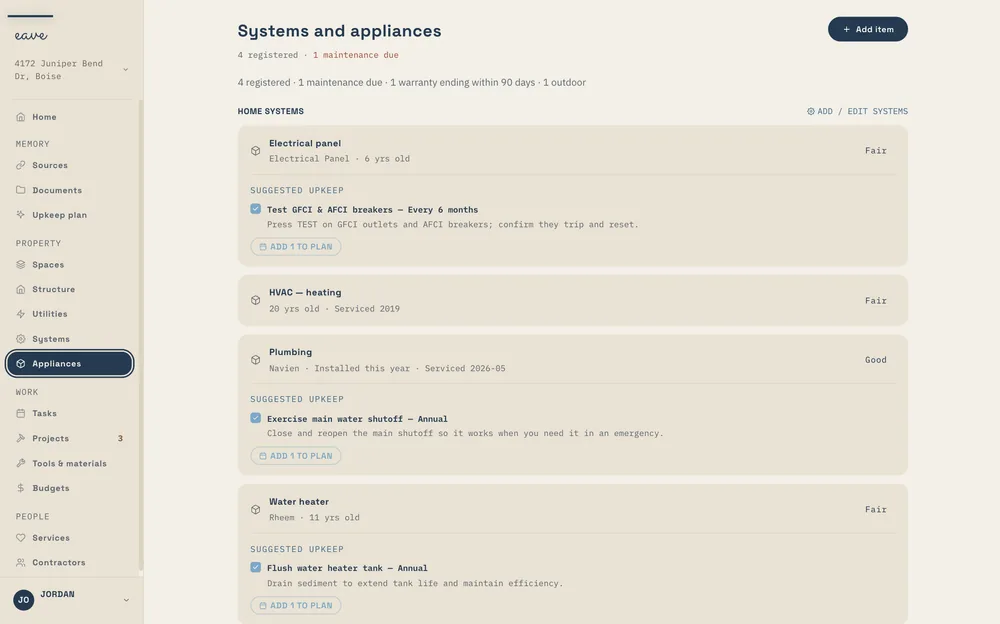
Add an appliance and Eave researches the model — pulling in the details you'd otherwise dig through a manual to find. Model number, purchase date, warranty expiry, service intervals, and a replacement forecast, filled in by Enrich with AI, so you're never surprised by an aging system.
Structure & Systems
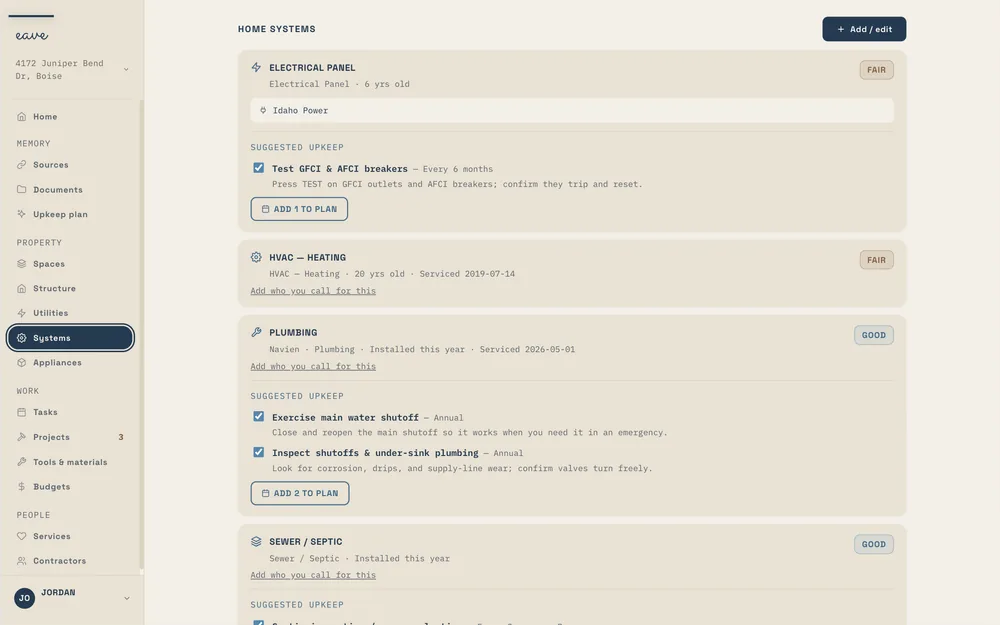
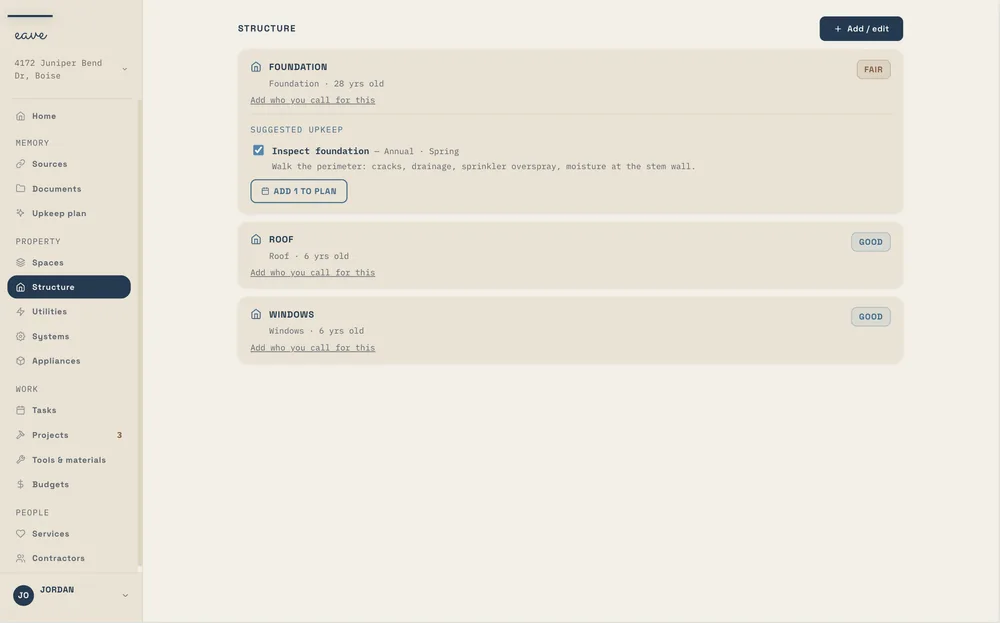
A roof gets inspected. A furnace gets serviced. A dishwasher gets replaced. Each one needs different fields and different reminders, so Eave keeps them on separate pages.
Structure covers the envelope: roof, foundation, windows, exterior and garage doors, siding, chimney, gutters and drainage, retaining walls, fences and gates, driveway, decks and patios, insulation.
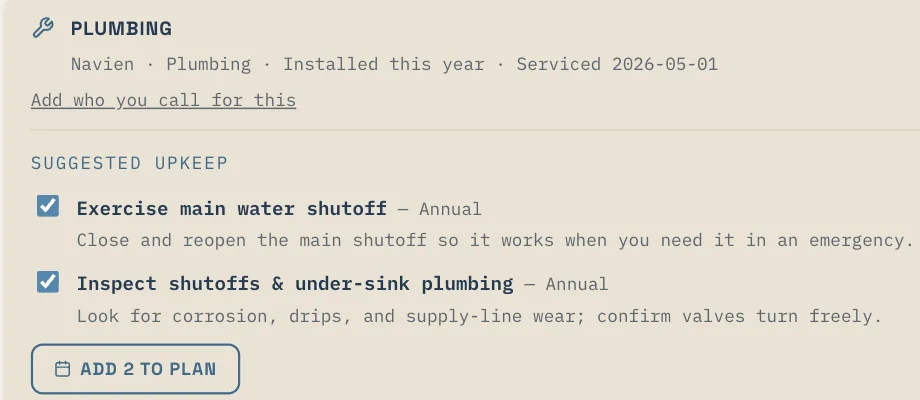
Systems is the equipment that runs the house: heating, cooling, water heater, electrical panel, plumbing, sewer or septic, solar, generator, security and alarm, audio and media, lighting control, network, irrigation, fire and life safety, water treatment, EV charging, pool and spa equipment, sump pump. Where each one lives →
A roof carries a lifespan and a last-inspected date. A furnace carries a service interval and a filter size. A dishwasher carries a warranty and a replacement cost. Separate pages mean each one shows the fields that apply to it, and the reminders that follow fit.
Documents
The inspection, the manuals, the warranty registrations, the insurance declarations page, the permits, the site plan, the quotes. Upload them once and they stay with the house.
Eave reads them. It works out what kind of document you dropped in, whether that's an inspection, a manual, a declarations page, a closing packet, or a hazard disclosure, then pulls out the useful parts, like the systems and their ages, the filter sizes, the warranty end date, and the renewal, and attaches each one to the right thing in your home. Upload the same file twice and Eave uses the copy already on file.
Stored privately. Your documents are kept in private storage and reached through links that only work for you and the people you've shared your home with. Delete one and the file itself is erased.
Big files are fine. Up to 100 MB each, which covers a full inspection report. Every plan includes storage: 1 GB on Free, 10 GB on Intelligence. How documents work →
Most of a home's documents arrive on one day, in one folder, at closing. Intelligent Home Setup reads that folder and files what it finds, so this page fills up before you open it.
You snap the data plate on the furnace once. Eave reads it — a Carrier 59TP6, installed 2015 — and files the filter size for good: 16×25×1, MERV 11. The next time a filter change comes due, you don't measure anything or dig through a drawer for the old one. The size is already on the appliance record, the reminder already knows it, and the replacement forecast already says the unit itself is good until around 2038.
The question "what size furnace filter do I need" stops being a question. That's the whole point of a knowledge base — you answer it once, and your home remembers.
Contractor Directory
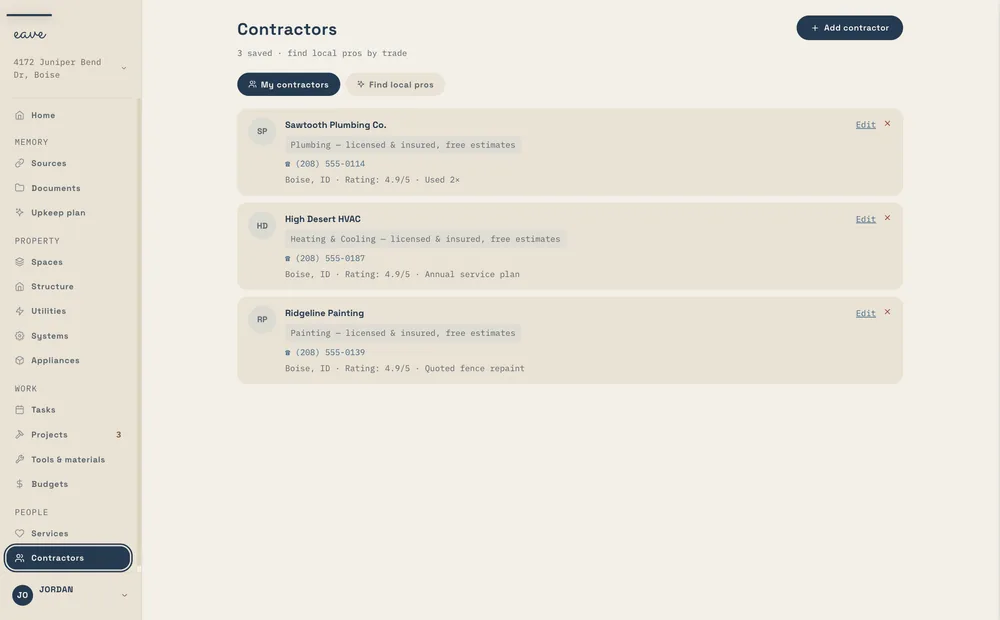
Snap a business card and Eave saves the contact — name, trade, and how to reach them. When something breaks, "I have no idea who to call" stops being true: your plumber, your electrician, and the person who did the roof are already here, tied to the work they did. This is your network, kept for you — not a marketplace pushing new vendors at you.

Utilities, services & sources
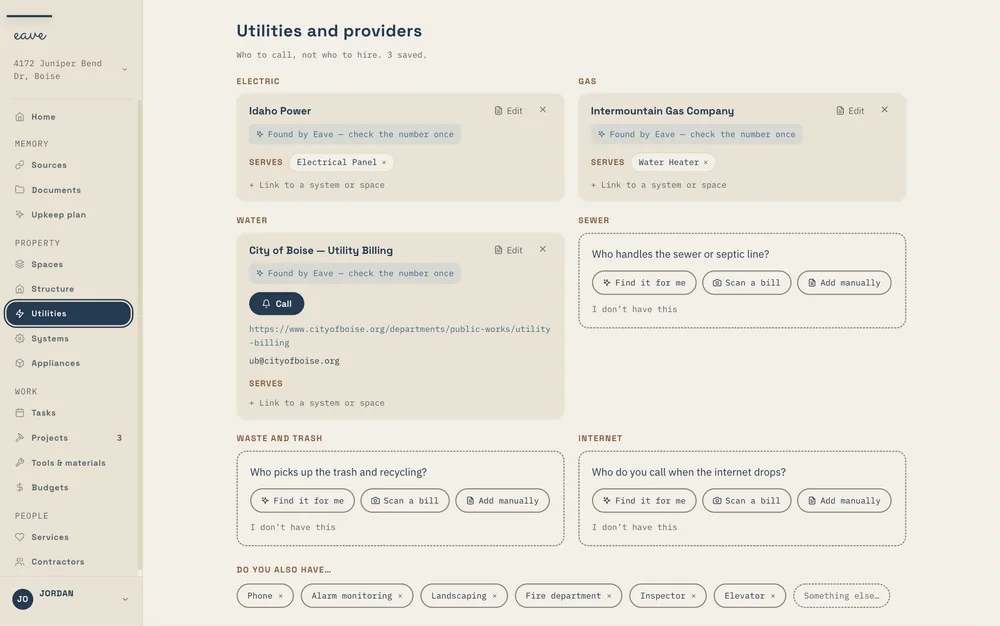
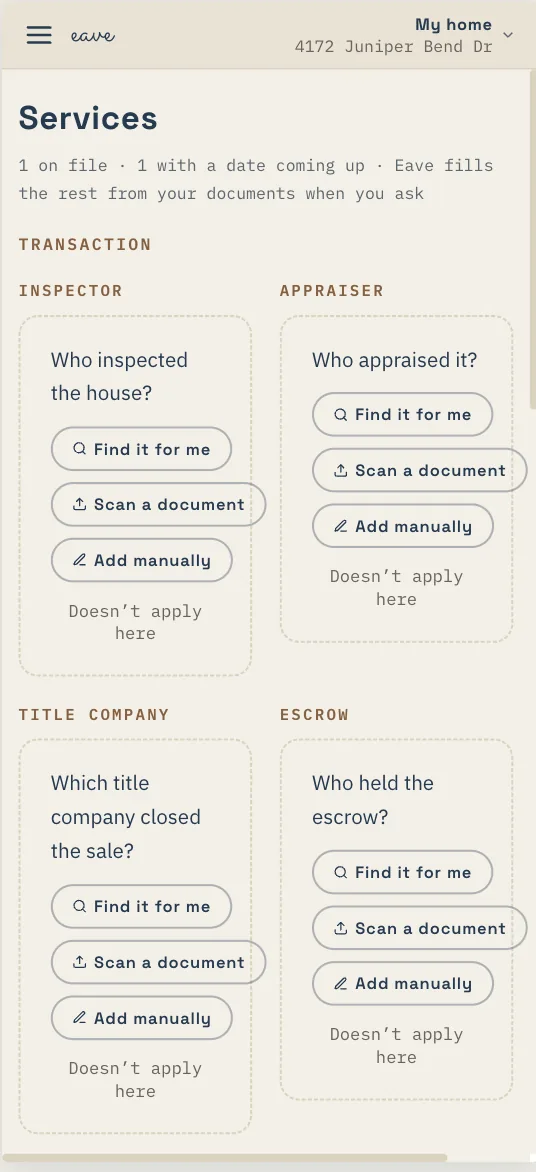
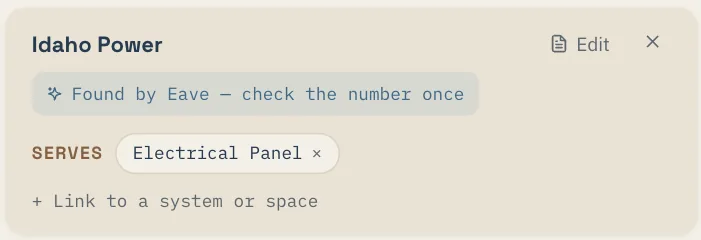
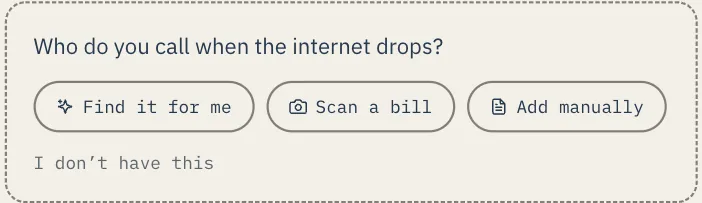
Electric, gas, water, sewer, trash, internet. Eave finds who serves your address, or reads it off a photo of a bill, and keeps the account number and the support line where you can find them when the power goes out on a Sunday night. It also records what each one serves: the panel, the water heater, the yard.
The lawn crew, the pool service, the pest plan, the septic pumping, the chimney sweep, the HVAC contract, your insurance carrier and agent, the HOA. Each one carries the date that matters, whether that's a renewal, the next visit, or an inspection that's due. Your paperwork fills most of this in. A closing folder names your lender and your insurer, a declarations page names your carrier, a service contract names the company and the day it renews. Eave reads them and suggests each company, and you accept or dismiss it. Utilities and services, explained →
Gmail, for the receipts, warranties, and contractor emails already in your inbox. Google Calendar and an .ics feed, so your maintenance schedule shows up in the calendar you already use. An Amazon order-history file. Your SmartThings device list. A pro's profile from Thumbtack, Angi, Yelp, or Houzz, saved straight to your contractors. Home Depot and Lowe's orders come in through the Gmail scan. Access is read-only, nothing saves until you review it, and Outlook, Google Nest, and Alexa are coming.
Receipt Scanner
Take a photo of a receipt and Eave reads the line items and prices, then links them to the right appliance or project. The filter you bought lands on the furnace; the part for the dishwasher lands on the dishwasher. Warranty math and replacement history stop being guesswork — the paper trail is already in the record.

FAQ
A home knowledge base is a single, searchable record of everything about your home — every room, appliance, contractor, and repair, with the details attached. In Eave it holds finishes and fixtures room by room, appliance models with their warranty and service history, your trusted contractors, and the receipts that tie it all together. It is the memory of your home, so the questions you can never answer later have answers.
Yes. When you add an appliance, Eave researches the model and fills in the details you would otherwise dig through a manual to find — things like filter size, service intervals, and warranty term. For a Carrier furnace, for example, that can mean a 16×25×1 filter, a warranty running through 2029, and a rough replacement forecast around 2038. Everything it suggests is editable before you save.
Your home data is yours. Nothing saves without your say — Eave shows you what it found and you review it before it is stored. For the full picture of how your data is handled, see our data privacy page.
In private storage tied to your home. Only you and the people you've shared your home with can open them. Nothing is public, and deleting a document erases the file.
Yes. Invite them as a co-owner from Property settings and you both see and edit the same record. Seats are free.
Household
Invite a co-owner and they see the same home you do. Give a helper the ability to add and tick things off. Hand a house sitter access for two weeks and it ends on its own. There's no per-person charge on any plan. How sharing works →
Keep exploring
See it on your own home. Eave is free for one property and runs in any browser — your first capture takes about five seconds.
Start free →