Utilities
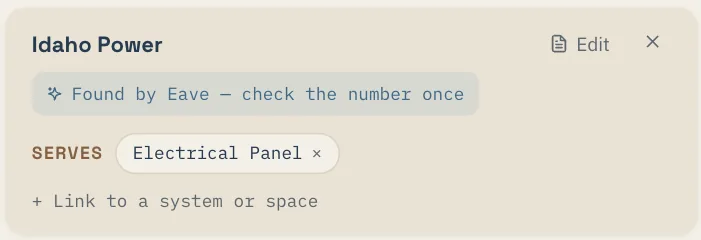
Electric, gas, water, sewer, trash, internet, phone. Open Property → Utilities and Eave finds who serves your address. Or snap a bill and it reads the company, the account number, and the support line off the photo. You can type one in as well.
Services
Everyone else who looks after the place lives under People → Services, in four groups:
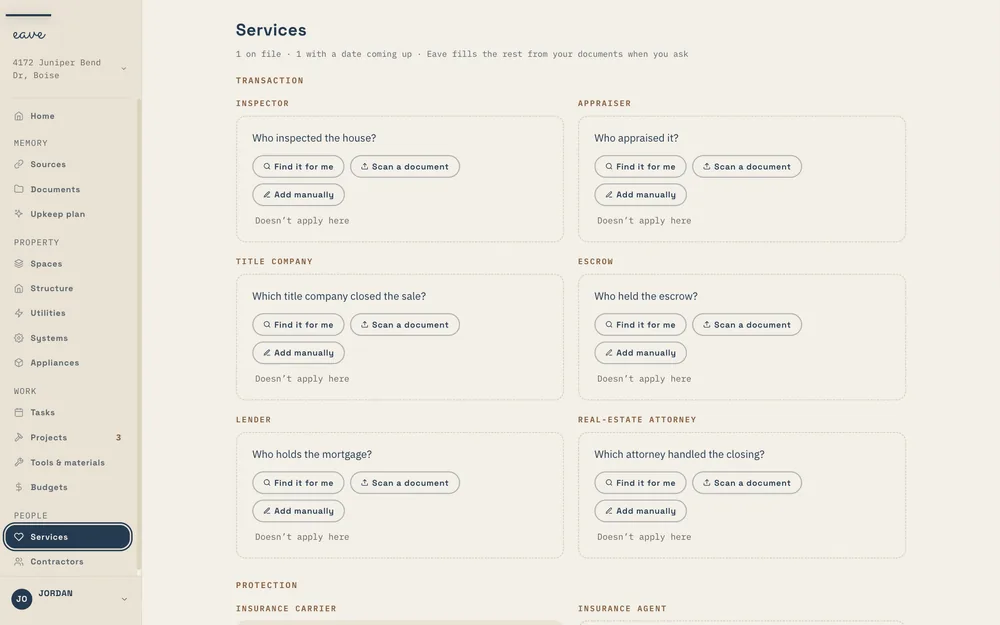
- Transaction: inspector, appraiser, title company, escrow, lender, real-estate attorney.
- Protection: insurance carrier, insurance agent, home warranty, alarm monitoring.
- Recurring care: landscaping, pool service, pest plan, septic pumping, chimney sweep, cleaning, HVAC plan, solar monitoring.
- Governance: HOA, property manager.
The date each one carries
Each service can hold one date: a renewal, an expiry, a next visit, or an inspection that's due. Set it once and it shows up in your plan. The pest contract that renews itself every March stops being a surprise.
How documents fill this in
A closing folder names your title company and lender. A declarations page names your carrier and agent. An inspection names the inspector. When Eave reads a document that names a company, it offers that company here, and you accept it or dismiss it.
Linking a provider to what it serves
Link the electric company to the panel, the pool service to the pool equipment, the HVAC plan to the furnace. When something goes wrong, the record already says whose problem it is.