What Intelligent Home Setup is
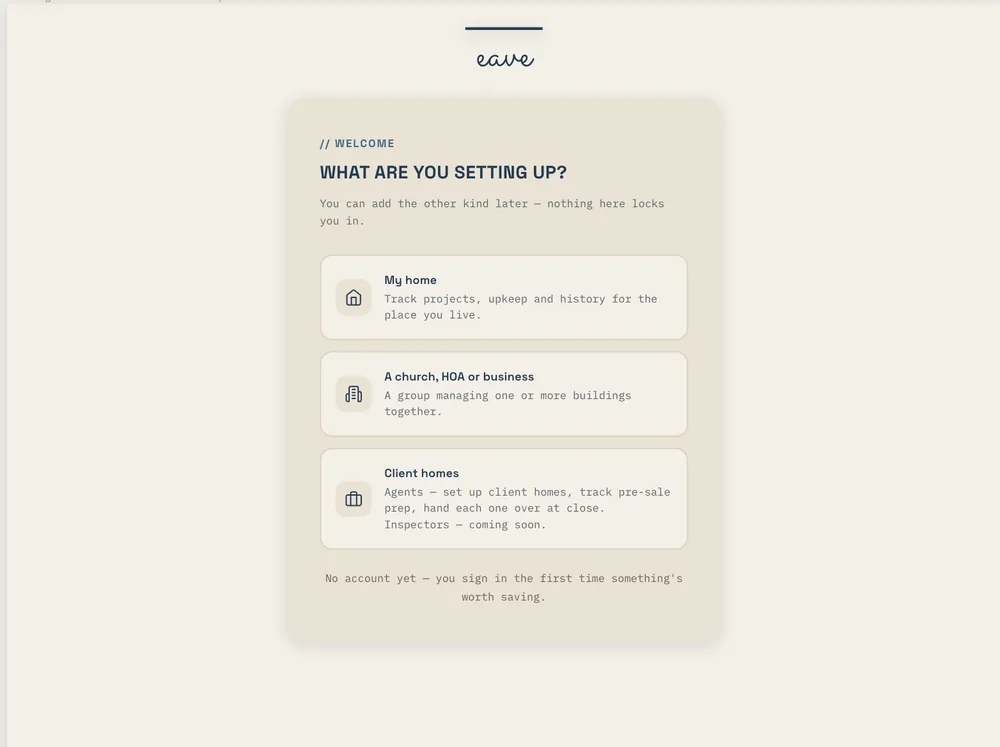
Setup is how Eave learns your home from the paperwork you already have. It runs through eight short steps: your home, documents, spaces, structure, systems, utilities, appliances, and your plan. Most of the work is Eave reading what you drop in.
What to upload
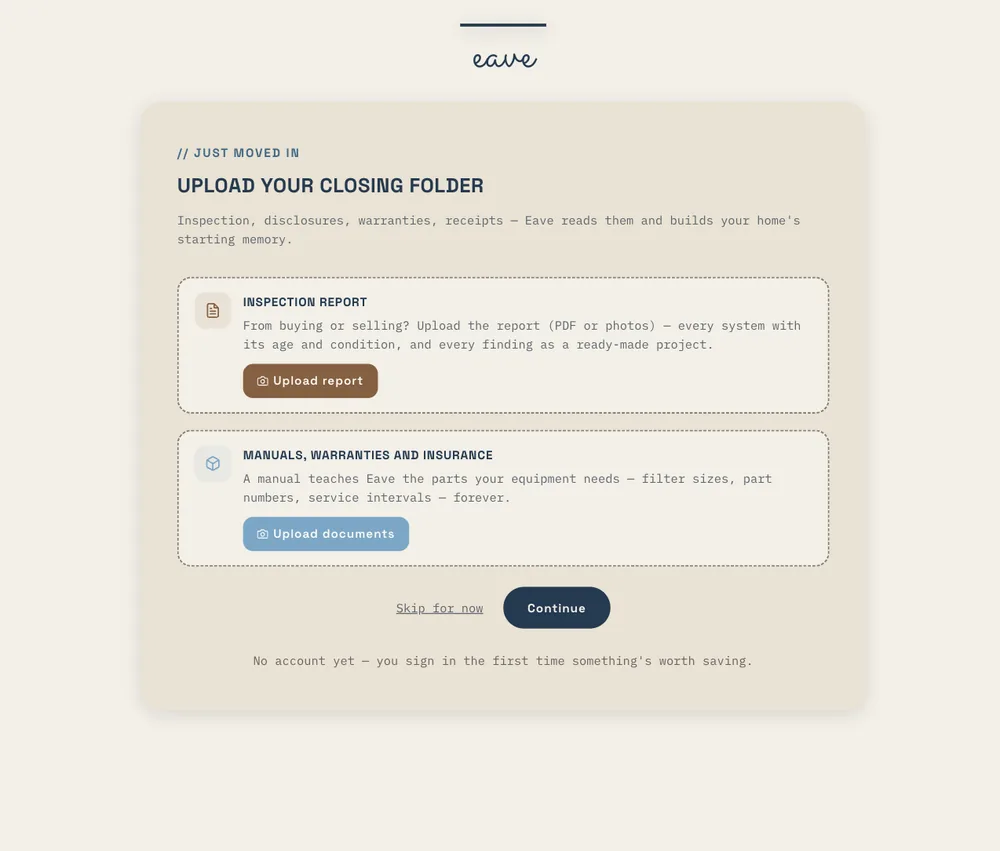
- The closing folder. It names your title company, your lender, your insurer, and usually the age of the big systems.
- The inspection report. Systems, ages, and findings.
- Manuals and warranty registrations. Model numbers, filter sizes, warranty end dates.
- A utility bill. Who serves the address, plus the account number.
- The insurance declarations page. Carrier, agent, renewal date.
- Photos of data plates on the furnace, water heater, and electrical panel.
Files up to 100 MB upload in one go. Every plan includes document storage: 1 GB on Free, 10 GB on Intelligence.
What files itself
When Eave is confident about something, it files it straight away, labels it as read from a document, and gives it an undo. When it's less sure, the item waits for you with the page it came from. Judgment calls stay yours, like whether an inspection finding still applies.
Reviewing inspection findings
Upload an inspection and Eave lists the findings. Keep the ones that still need doing, uncheck the ones the seller fixed, and say why. What's left becomes your first plan.
Coming back to setup later
Setup remembers where you stopped. Open Property settings → Update my home and it picks up at the next step. Found a manual in the garage a month later? Drop it in there.
If you moved in recently
Nothing shows as overdue during your first ninety days in the house. Your plan starts fresh instead of opening on a page of red.