Eave is your home's memory. It keeps everything about your house in one calm place — projects, maintenance, appliances, contractors, and warranties — so you don't have to hold it all in your head. This guide walks you through your first setup and your first ten minutes.
What Eave does
Eave remembers the things a home needs so you don't have to. It tracks your projects and to-dos, keeps a registry of your appliances and their warranties, schedules seasonal upkeep, and gives your home a single Upkeep Score (0–100) that reflects how well you're keeping up. Nothing nags you — items simply appear when they're due, and you decide what to do next.
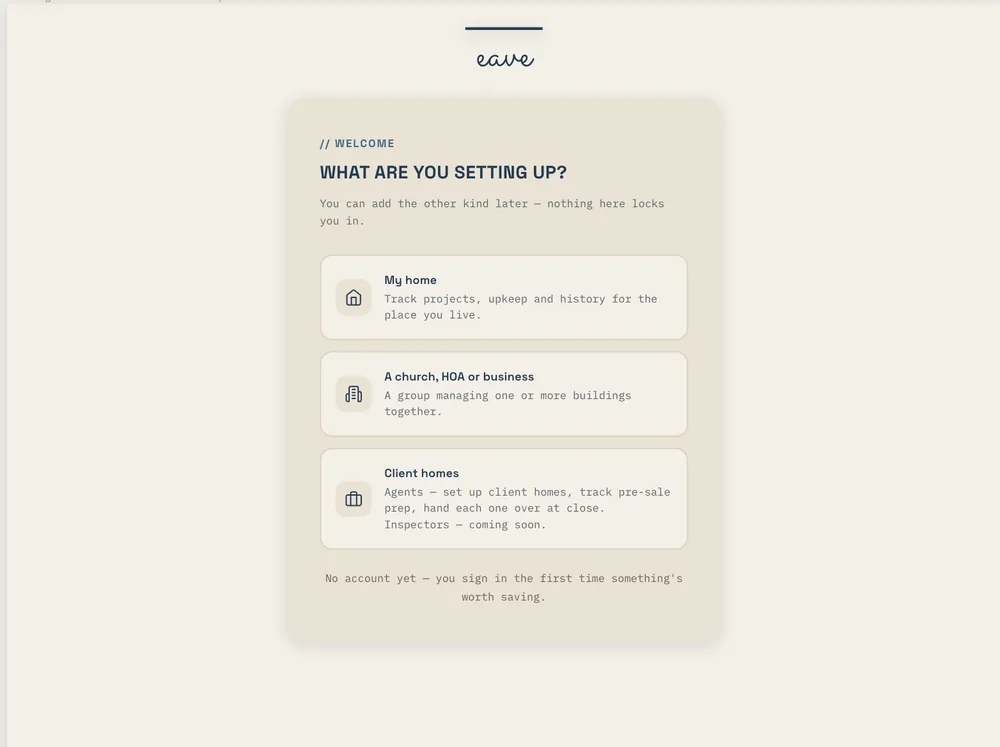
Set up your home and address
When you first sign in, Eave asks for your home's address. Adding it lets Eave pull in public property data for your location — flood, fire, and seismic risk, local climate and freeze dates, and permit and assessor info — refreshed each season so your plan reflects where you actually live.
You can update your address or home details anytime from the profile menu (bottom-left) under Update My Home or Property Settings. Every account covers one property on the free plan. Support for multiple properties is Eave Multi-Property, an add-on to Eave Intelligence covering 2–5 properties for $4.99/mo or $39/yr ($7.99/mo or $63/yr with Intelligence). For 6+ properties, Eave Portfolio is on the way — join the waitlist.
The three ways to capture
Anything you want Eave to remember, you can add three ways. Each one produces a draft you review and edit before saving.
- Describe it — Type a plain-language note like "repaint the back deck this spring." Press ⌘↵ (or Ctrl+↵) to parse it. Works on every plan.
- Snap a photo — Take or upload a photo. With Intelligence, Eave reads it into a project draft: great for a leaky faucet, a cracked tile, or a spec-plate label on an appliance. On the free plan the photo is saved and you fill in the details.
- Speak it — Tap the mic and describe a project out loud. Speech-to-text happens right in your browser. (If you don't see a mic button, your browser doesn't support voice — try Chrome, Edge, or Safari.) Voice is part of Eave Intelligence.
Review the draft, adjust anything, then Save to Projects. Eave quietly enriches it in the background.
Your first 10 minutes
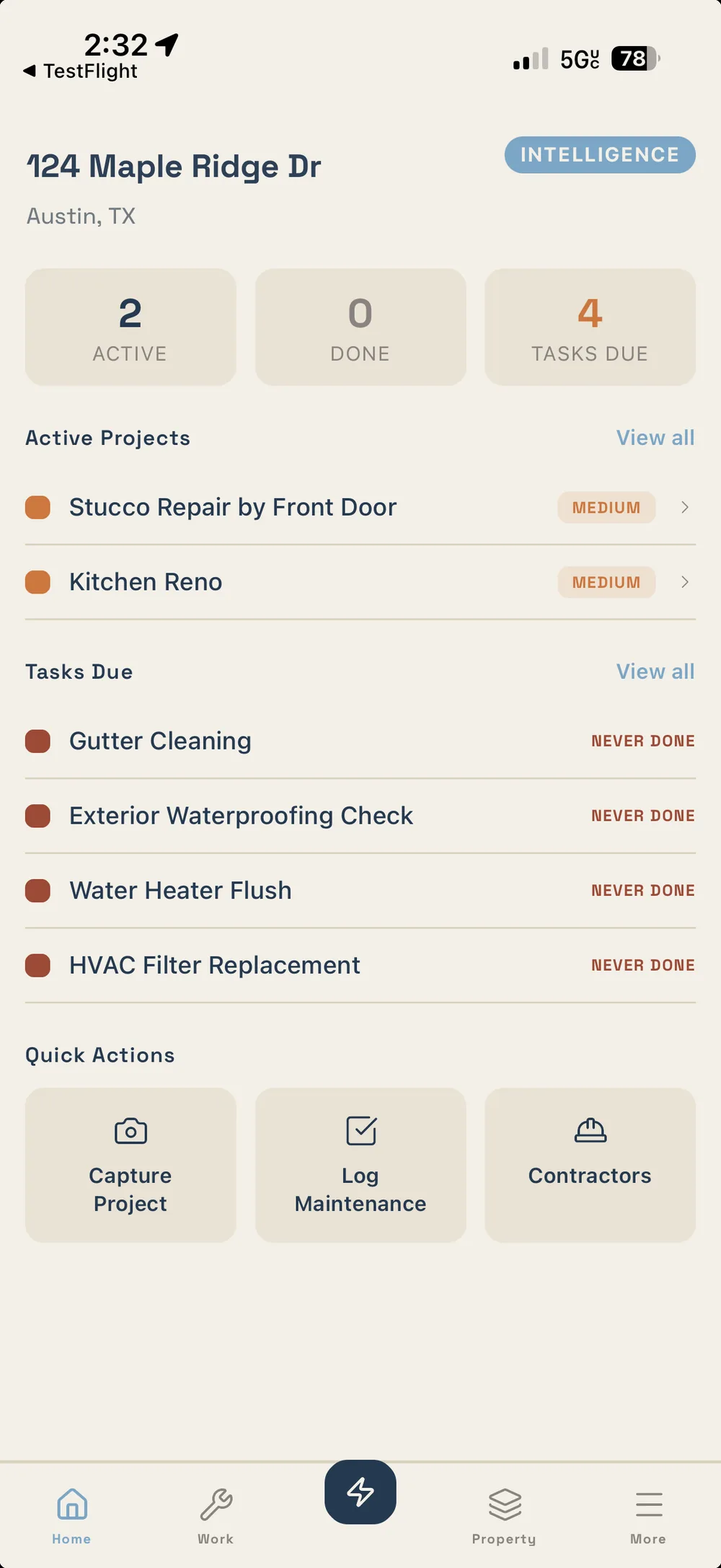
Eave opens into a short setup built around your paperwork. Stop at any step and it picks up where you left off. You can also reach it later from Property settings.
- Give Eave your address. Public property data comes in on its own: flood, fire and seismic risk, local climate and freeze dates, permit and assessor records.
- Drop in your paperwork. The closing folder, a utility bill, appliance manuals, the inspection report. Eave reads them.
- Check what it found. Confident finds are already filed and labelled as read by Eave, with undo on each one. Anything Eave wasn't sure about waits for you.
- Keep the findings that still apply. From an inspection, uncheck anything the seller already fixed and say why.
- Pick your utilities. Eave finds who serves your address, or reads it off a bill you snap.
- You're set up. Your Home page shows what needs you this week, and your plan builds from what's there.
Moved in recently? Nothing shows as overdue in your first ninety days. That's enough to make Eave useful, and it gets more useful as you add to it.