Where documents live
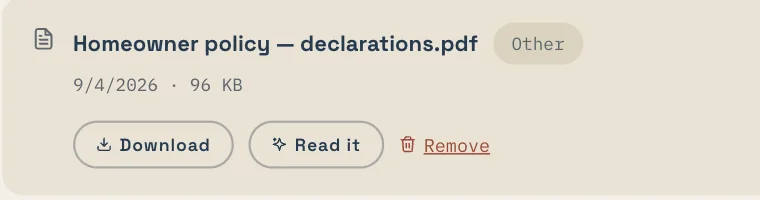
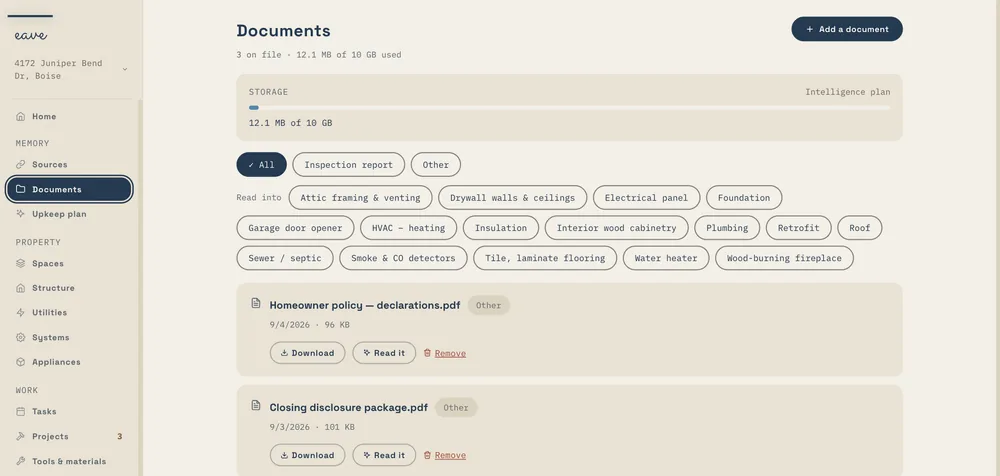
Under Memory → Documents. Every inspection, manual, warranty registration, declarations page, permit, plan, and quote you've given Eave is listed there, with the storage meter at the top.
Uploading a document
Drag a file in, or add it during setup. Files up to 100 MB upload in one go, straight from your browser to private storage, with a progress bar for the big ones. Long documents are read in the background so you can keep working.
What happens when you drop a file in
Eave works out what kind of document it is before it reads it, so an inspection report, a manual, a warranty registration, an insurance declarations page, a closing packet, a hazard disclosure, an HOA rulebook, a utility bill, a receipt, or a site plan each gets the right reader. If you upload a file you already have, Eave keeps the copy on file instead of a duplicate. iPhone HEIC photos are converted for you.
What Eave reads from a document
Systems and their ages, filter sizes, warranty end dates, renewal dates, and the companies a document names. From a closing packet: who your title company, lender, and insurer are. From a hazard disclosure: the flood, fire, and seismic notes that belong on your record. You confirm what it found before anything is saved to your home. You can also attach a document to the thing it's about, so the furnace manual sits with the furnace.
How much you can store
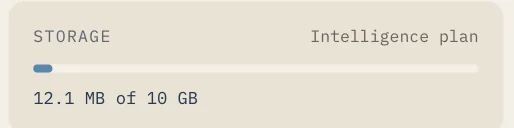
Every plan includes document storage: 1 GB on Free and 10 GB on Intelligence, counted across every home you own. Photos don't count against it. The meter on the Documents page shows what you've used, and deleting a document frees the space.
Who can see your files
Your files are yours. Documents and photos are private to your home. Only you and the people you've shared your home with can open them, and nothing is public. Eave reads a file only when you ask it to: during setup, when you tap Read it, or when you scan something.
Deleting a document
Deleting a document erases the stored file as well as its entry in the list.