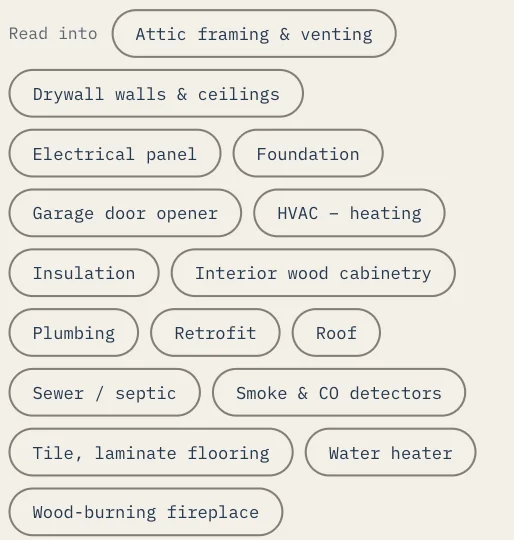
Eave is your home's memory, so the paperwork that comes with your home has a place to live. Upload a manual, warranty, or insurance declarations page and Eave reads it for you, pulls out the details that matter, and files them where you'll find them later.
Where to start
Go to Sources in the sidebar and open the Manuals, Warranties & Insurance importer. You can upload a PDF or photos of the pages. Eave reads the document, shows you what it found, and nothing is saved until you review and confirm it.
Setup · Manuals, warranties and insurance
What gets extracted
Eave handles two kinds of document differently:
- Manuals and warranties — Eave pulls out specs (like filter sizes and part numbers), the manufacturer's recommended maintenance schedule, and the warranty term. You can link the document to a specific appliance or system so everything stays together. The maintenance schedule becomes tasks you can add to your plan.
- Insurance declarations page — Eave extracts your carrier, policy number, annual premium, renewal date, deductible, and coverages, and saves them as a coverage record. It also sets a renewal reminder about 30 days before your renewal date, so you're never caught off guard.
File sizes
- Files up to 100 MB upload whole. A manufacturer's manual or a full declarations packet fits without trimming.
- Photos are handled for you. Eave automatically resizes images before upload, so you don't need to shrink them yourself. iPhone HEIC photos are converted automatically. If a single photo is still too large, take it again at a lower resolution.
Where it shows up
- Extracted specs and maintenance schedules attach to the appliance or system you linked, and appear in Systems & Appliances.
- Suggested maintenance becomes tasks you can add to your plan — nothing is added without your okay.
- Insurance details are saved as a coverage record, with the renewal reminder appearing in your upcoming reminders.
Documents · Read into