Step by Step
How to do it
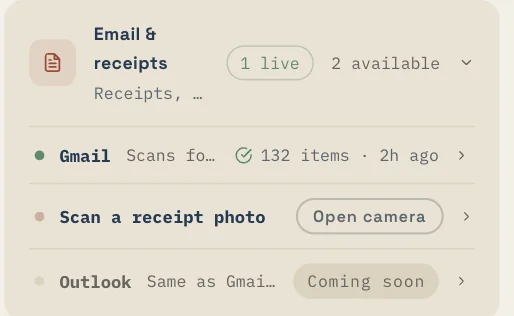
- Go to Settings → Connected Sources.
- Tap "Connect Gmail" and sign in with your Google account.
- Grant read-only access when prompted. Eave only reads emails — it cannot send or delete anything.
- Eave scans for home-related emails: receipts, warranties, contractor confirmations, appliance purchases.
- Detected items appear in your review queue. Tap any item to see the full email context.
- Tap "Add to Eave" to save an item, or "Skip" to dismiss it. Nothing saves without your confirmation.
Sources · Email & receipts
Ready to try it? Eave is free for one home and runs in any browser — your first capture takes about five seconds.
Start free →