Step by Step
How to do it
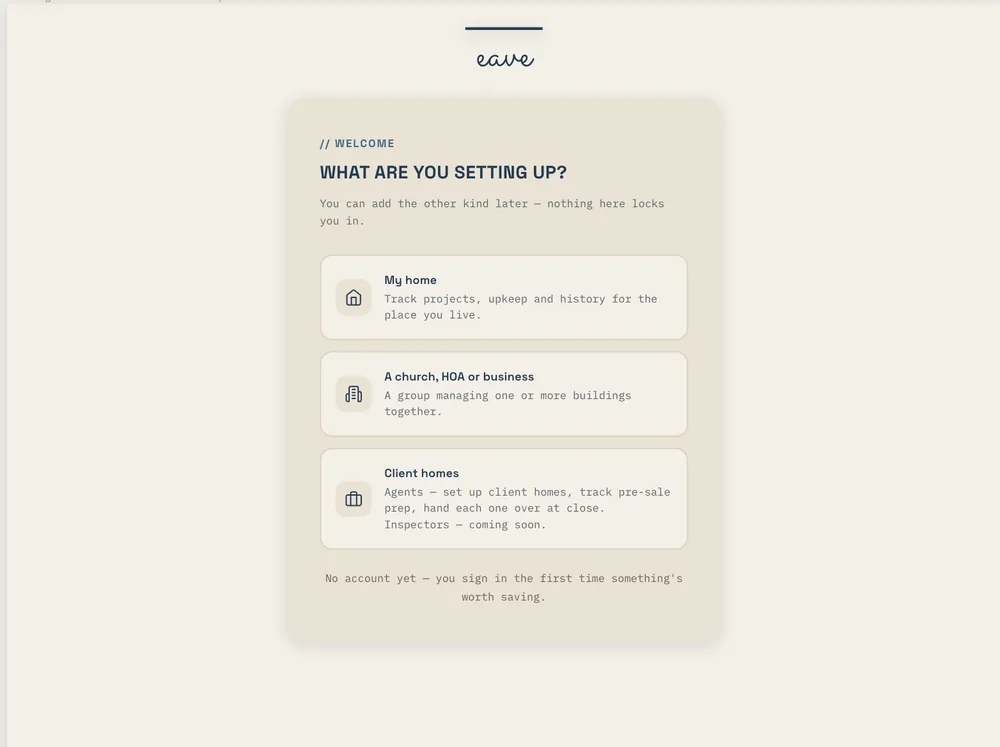
- Sign up at app.eavehome.app with your email or Google account.
- Enter your address. Eave pulls in public property data and opens the setup.
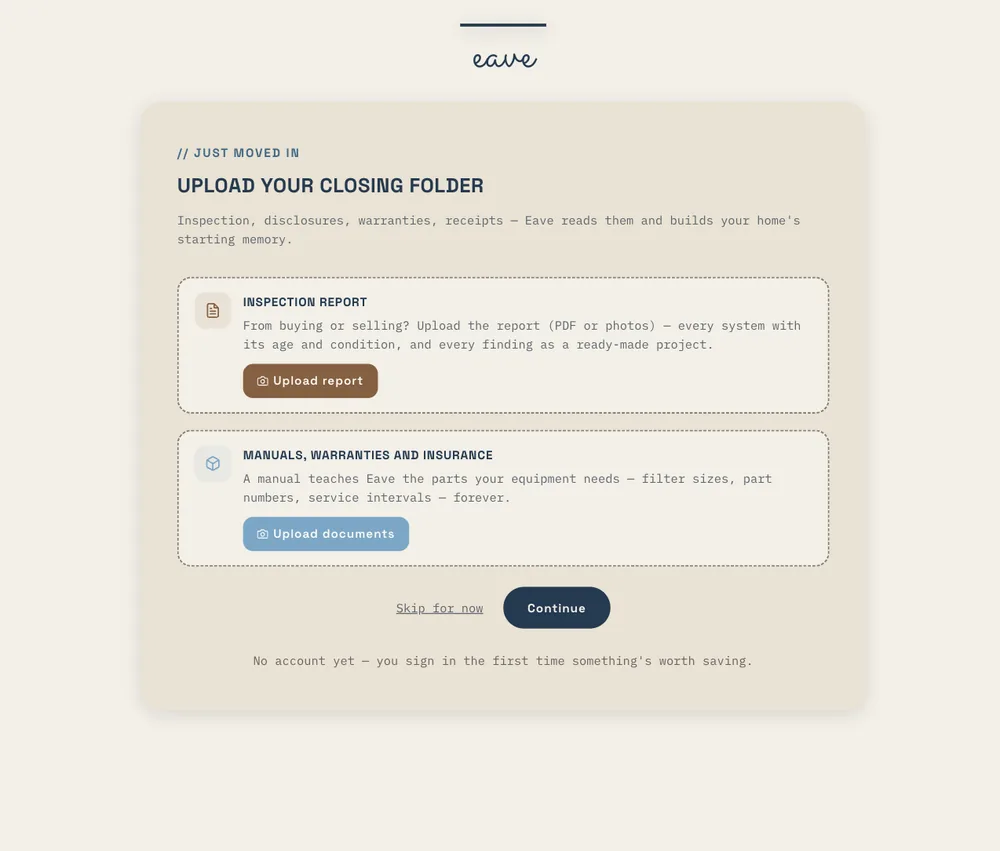
- Drop in whatever you have: the closing folder, a utility bill, a manual, the inspection report. Files up to 100 MB are fine.
- Watch the confident finds file themselves, each labelled and with an undo. Review anything Eave wasn't sure about.
- If you uploaded an inspection, keep the findings that still apply and uncheck what the seller already fixed.
- Pick your utilities from the ones Eave found for your address, or snap a bill.
- Open your Home page for one ranked list of what needs you this week. You can stop setup at any point and resume it from Property settings → Update my home.
Ready to try it? Eave is free for one home and runs in any browser — your first capture takes about five seconds.
Start free →