Step by Step
How to do it
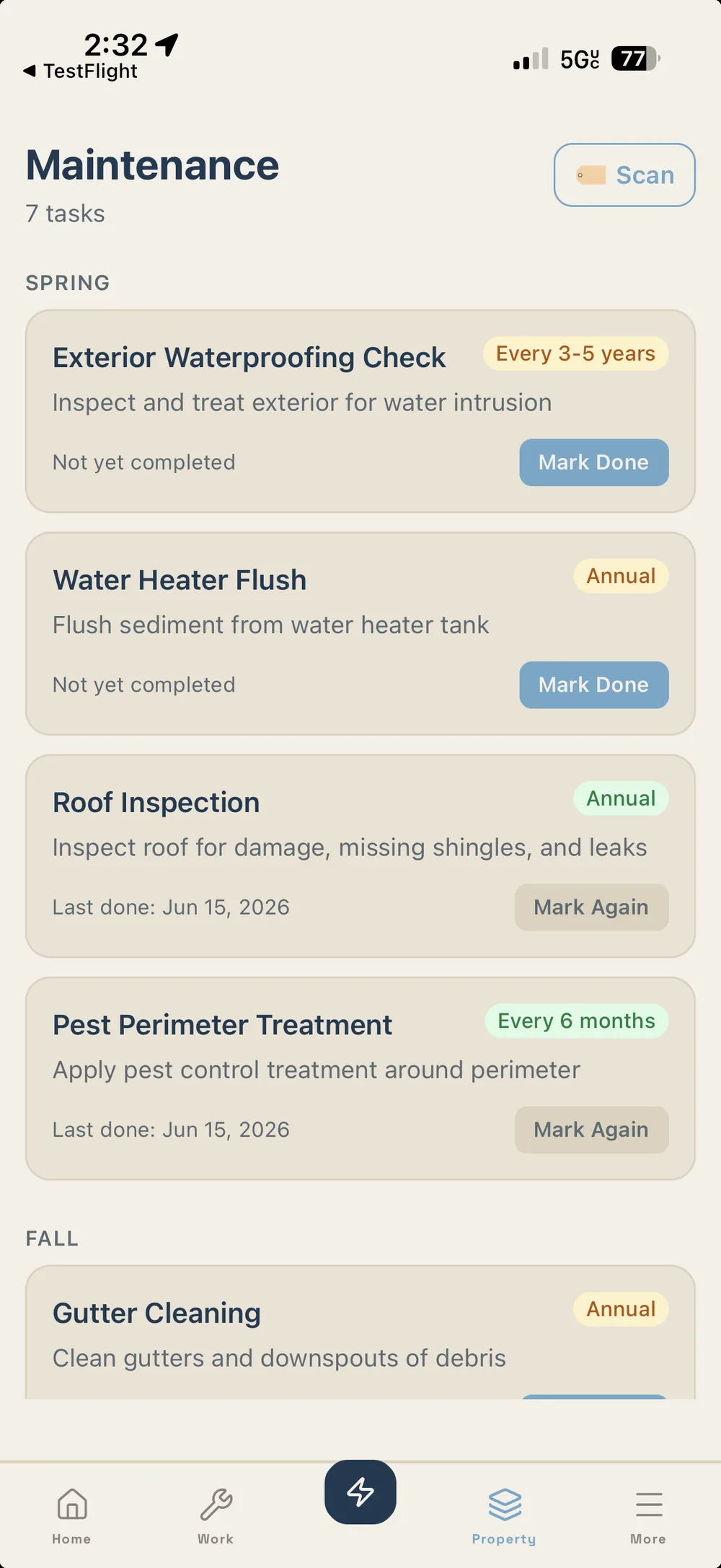
- Open the Maintenance tab.
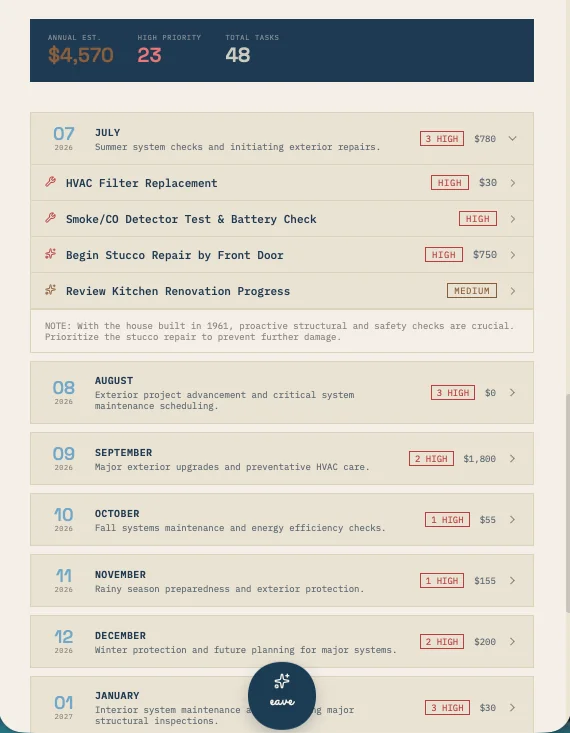
- Eave generates a seasonal checklist based on your property type, region, and current month.
- Review the list. Each task shows what it involves and why it matters for your home type.
- Tap any task to expand it and see steps or notes.
- When you complete a task, tap the checkbox. Eave logs the completion date automatically.
- Completed tasks roll over to the next season's history so you always have a maintenance record.
Ready to try it? Eave is free for one home and runs in any browser — your first capture takes about five seconds.
Start free →